

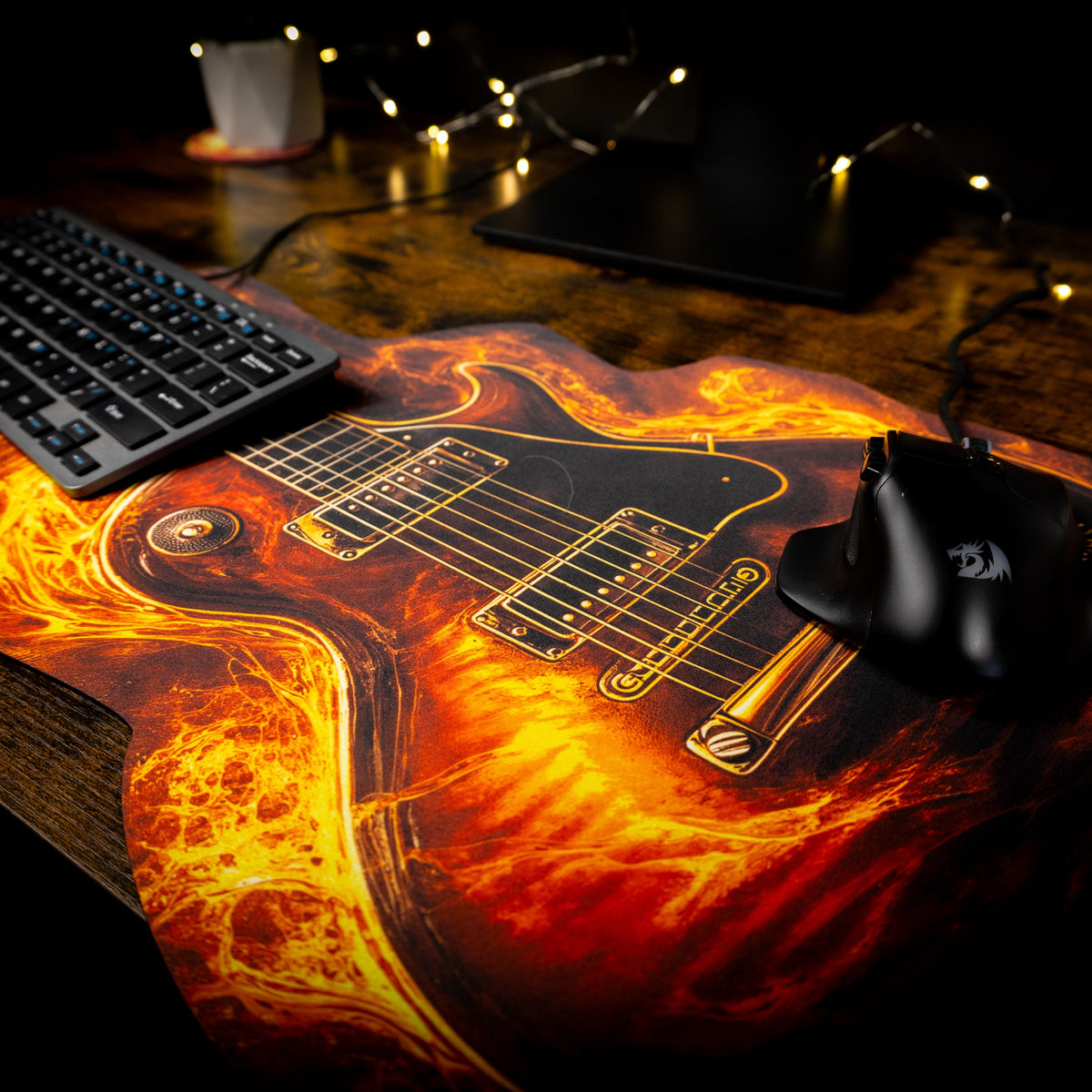
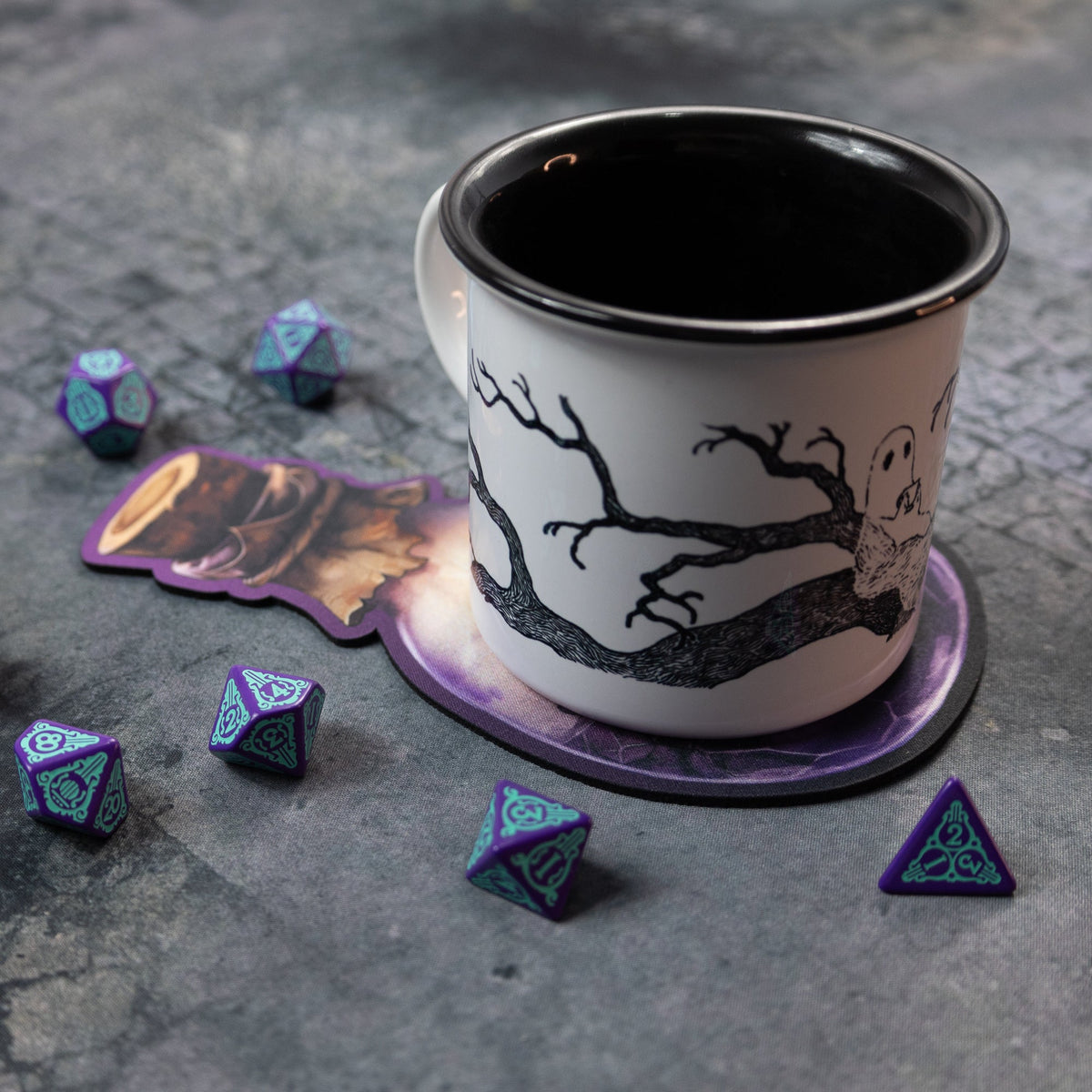
Custom mousepad & playmat – any size, any shape
Beta Design your own custom mousepad, desk mat or gaming mat – see the price instantly and order in one step · prices EUR incl. sleeve packaging
- Size
- —
- Area
- —
- Aspect ratio
- —
- Material
- Natural rubber, 2 mm · polyester surface · laser-cut edges
The preview is to scale. The longer side always lies horizontally. The cutting-mat grid shows real size, also at extreme ratios such as 20 × 100 or 125 × 240 cm.
Price follows our retail price list (rubber base, 1 pc) + sleeve, interpolated between size thresholds and rounded up to whole euros; from €11 per piece.
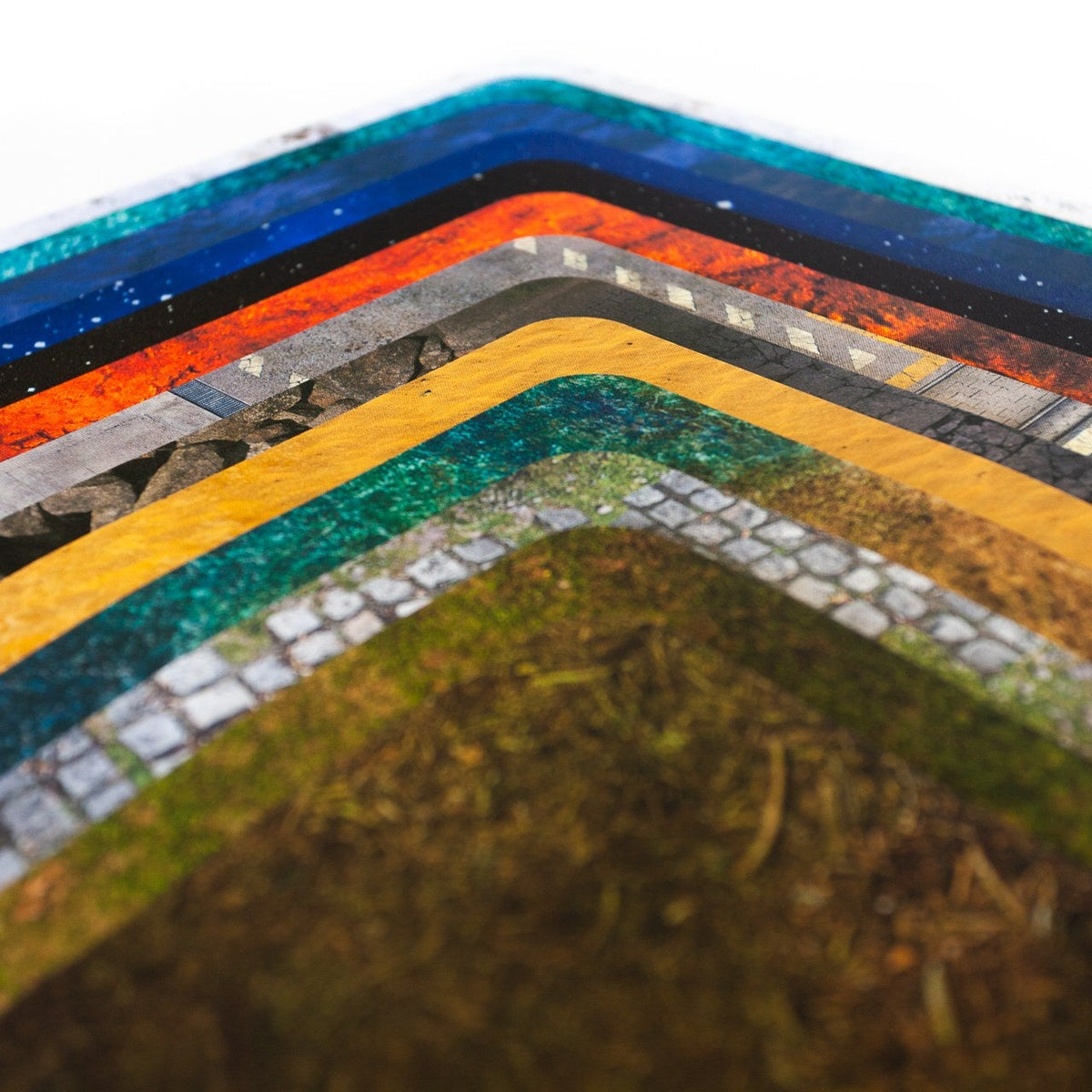
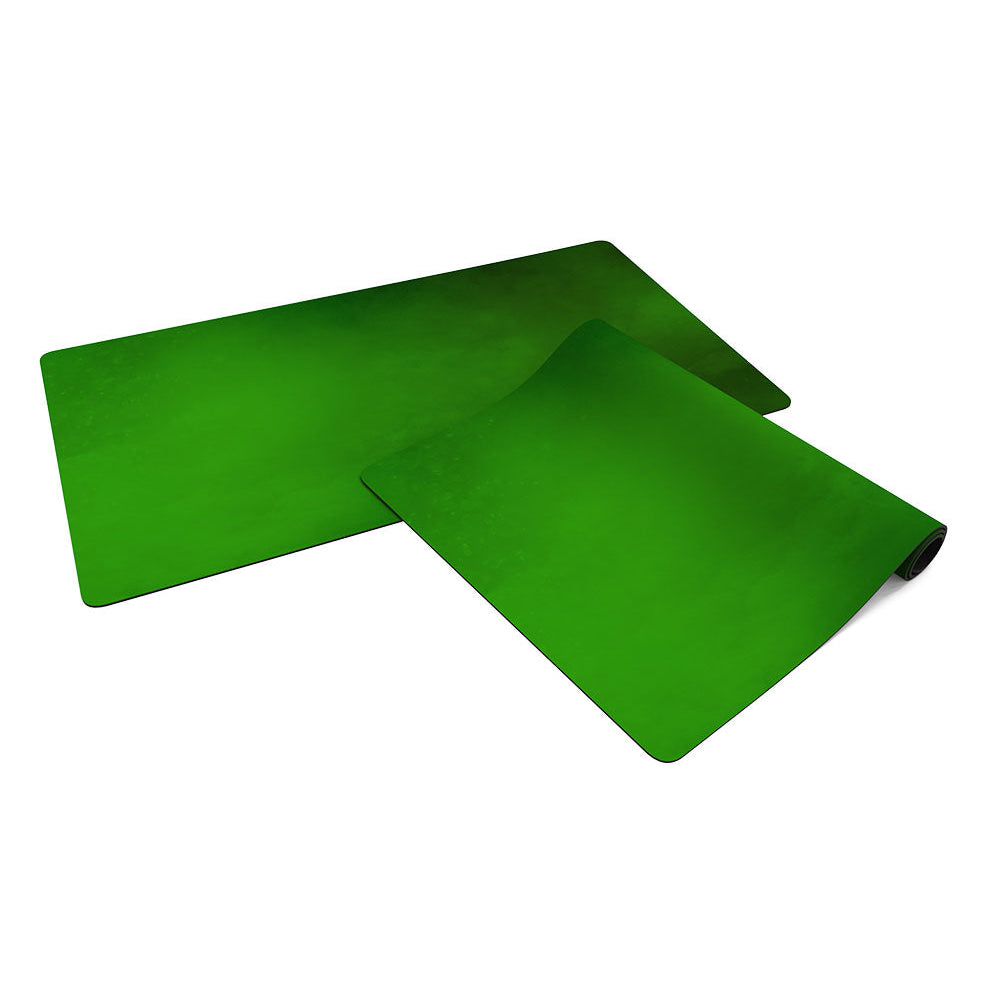
Material. Natural rubber base, 2 mm thick, with a polyester print surface and laser-cut edges.
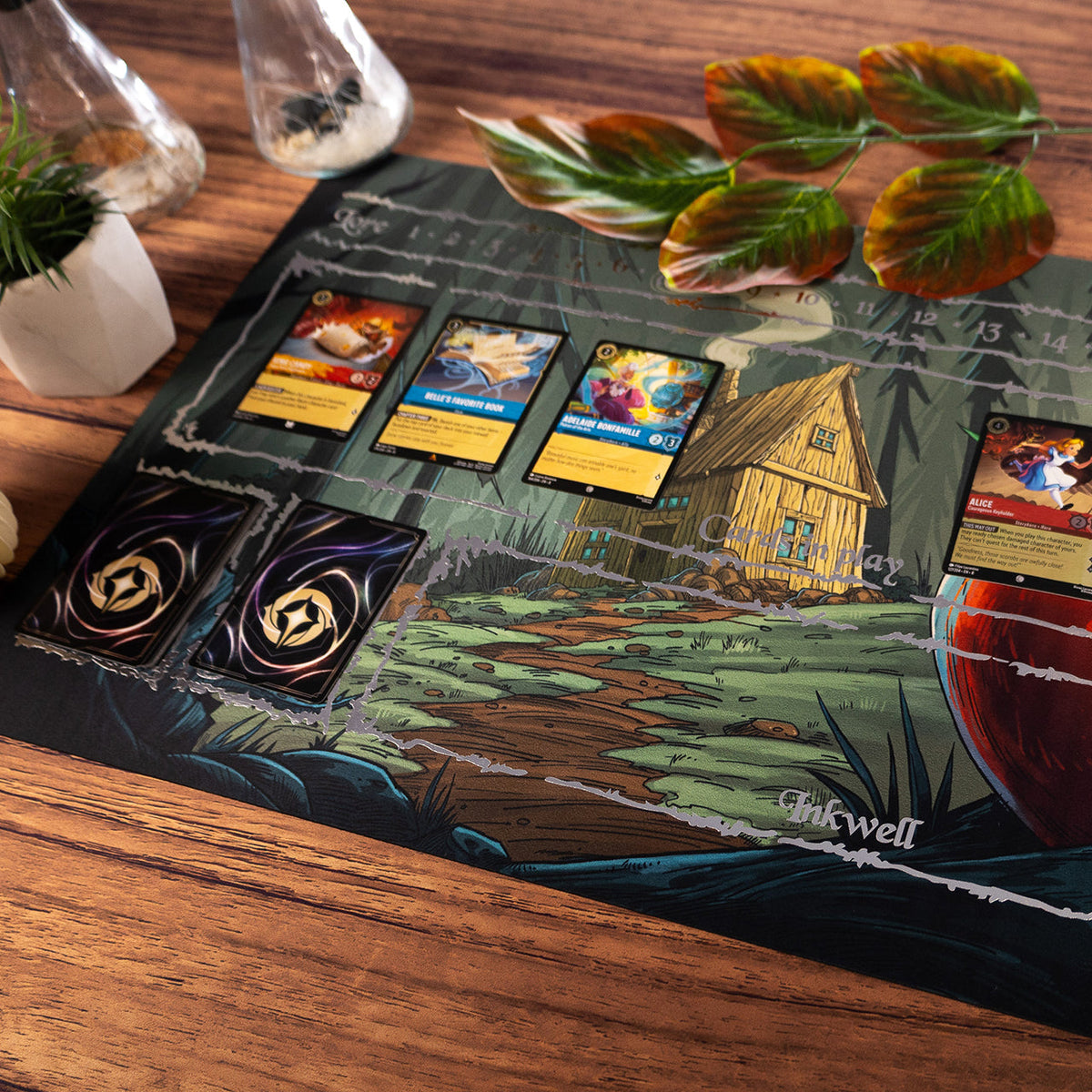
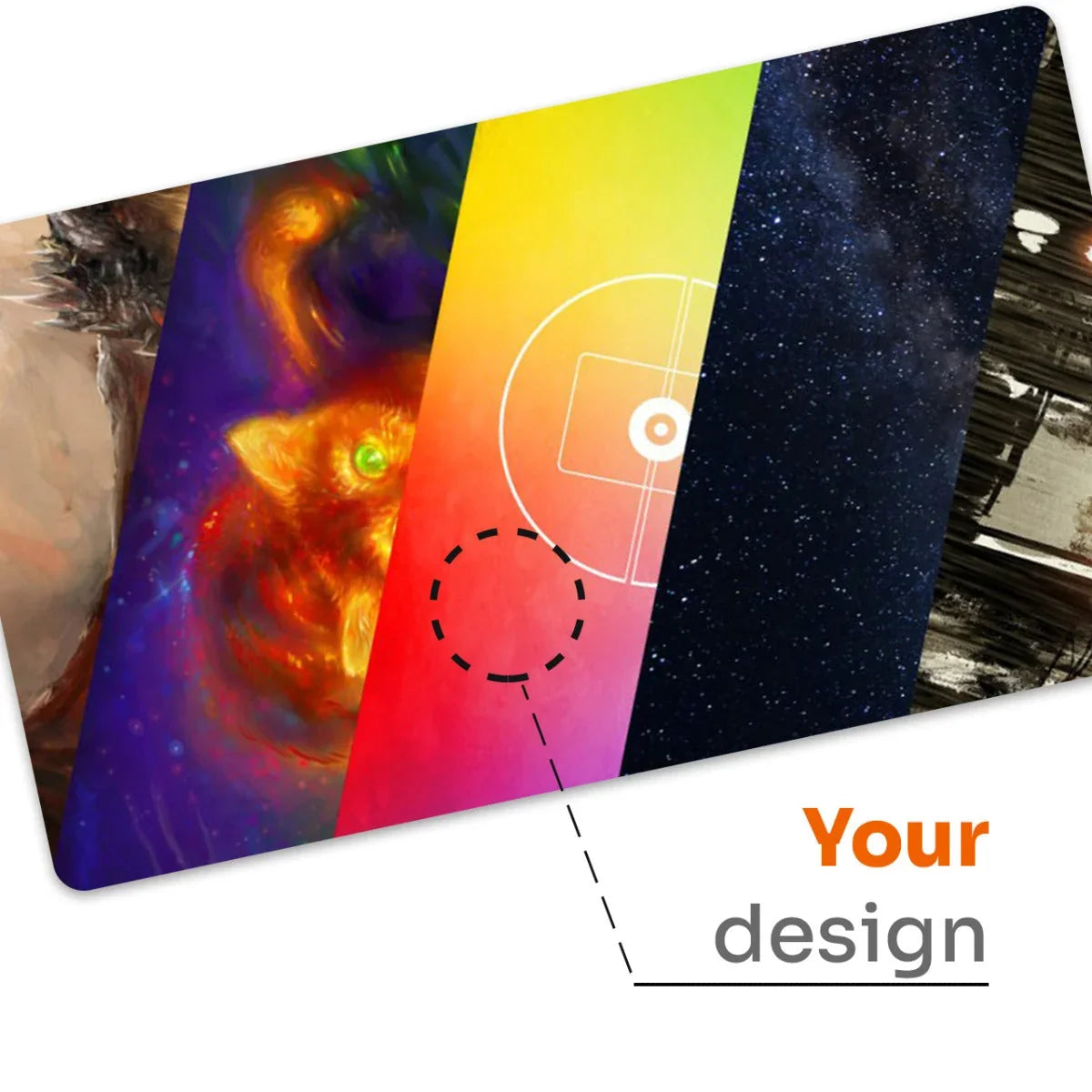
Card game playmats. The recommended starting size, 61 × 35 cm (24 × 14 in), is the standard TCG playmat used for Magic: The Gathering, Pokémon, Yu-Gi-Oh!, Lorcana and other card games – the same rubber base and smooth, washable print surface as our tournament playmats. Add your own artwork and a player name, or pick a square grid for card zones.
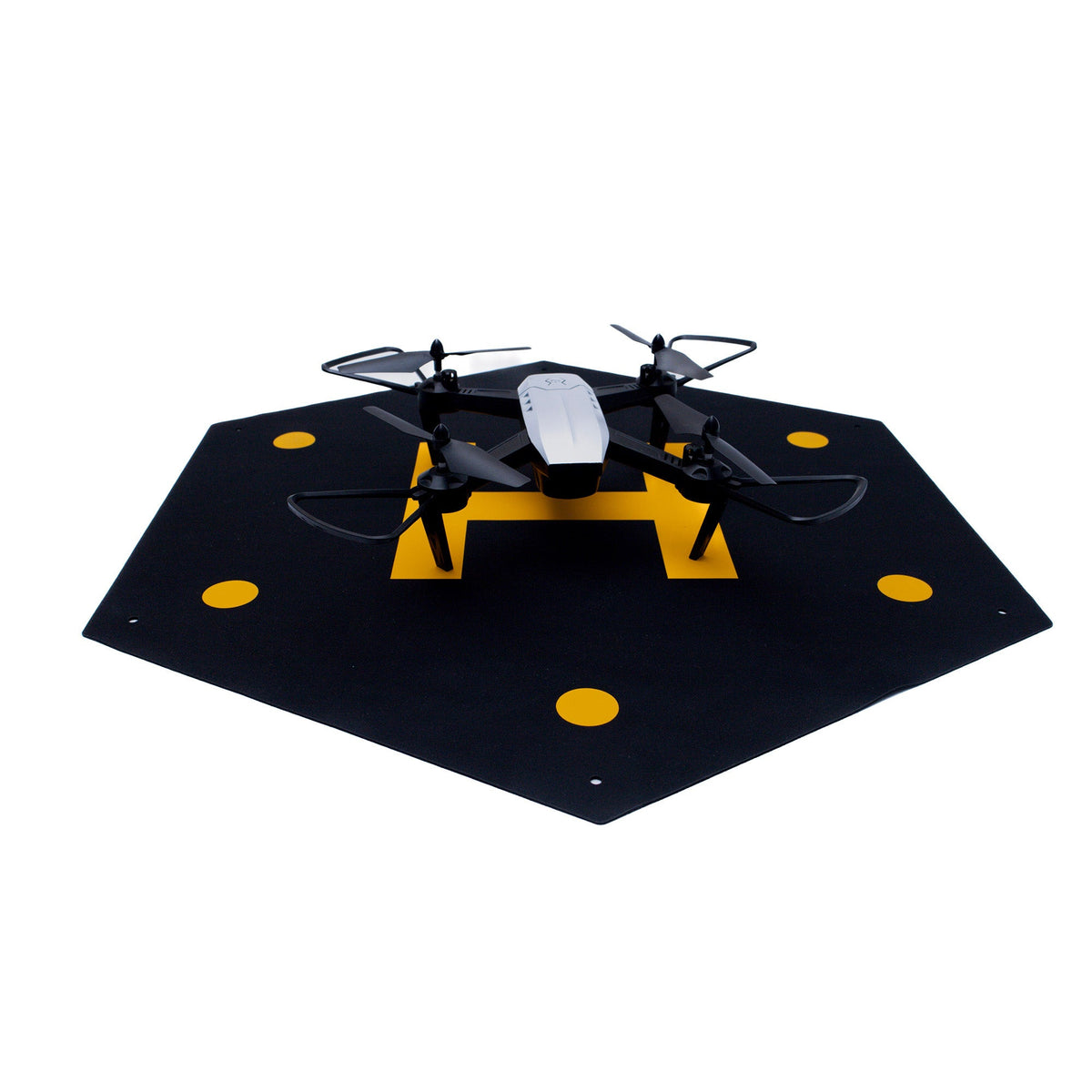
Circle and square take one dimension – the diameter / side (up to 125 cm) – and are priced like a square of that size (Ø 20 cm = 20 × 20 cm). The red dashed line is the cut line.
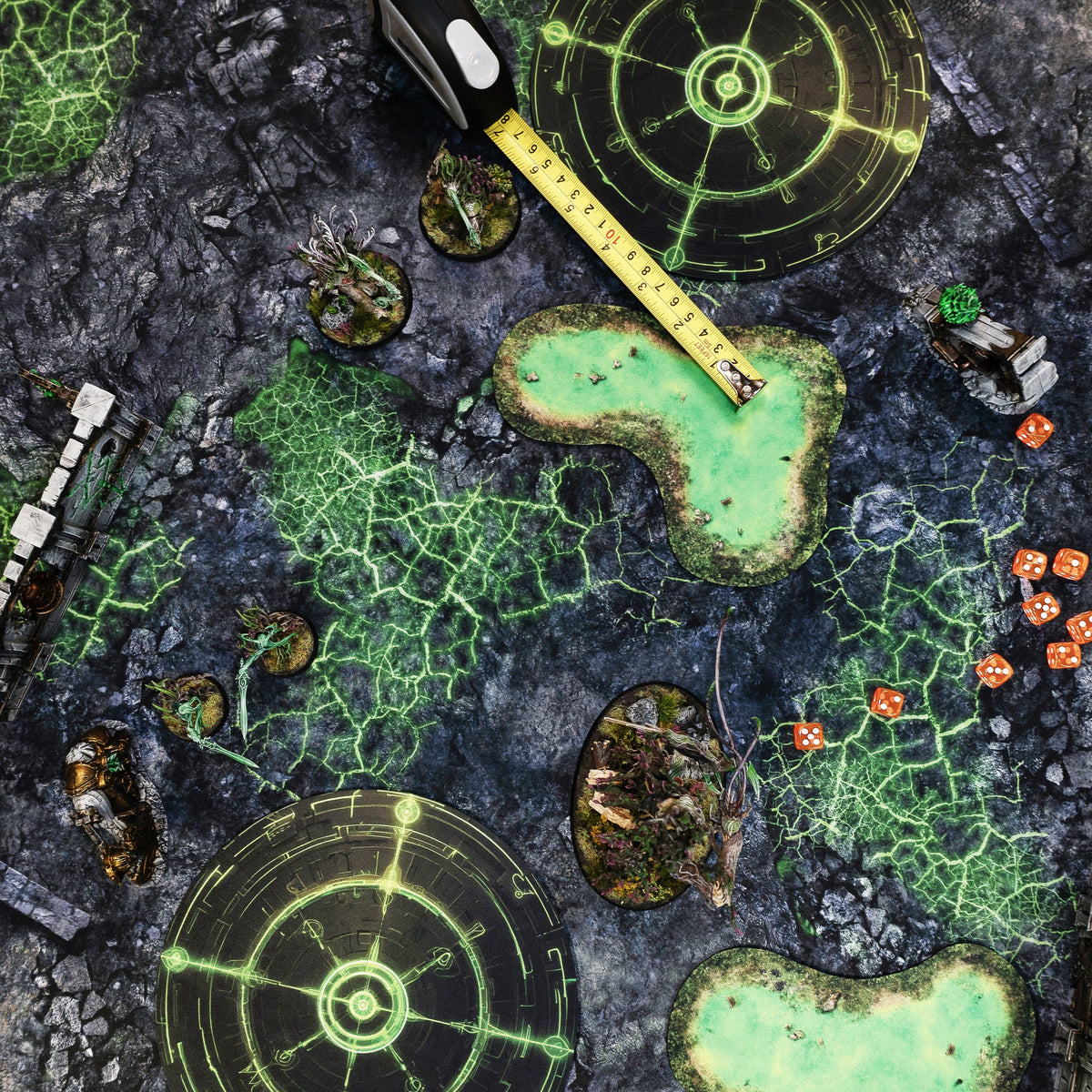
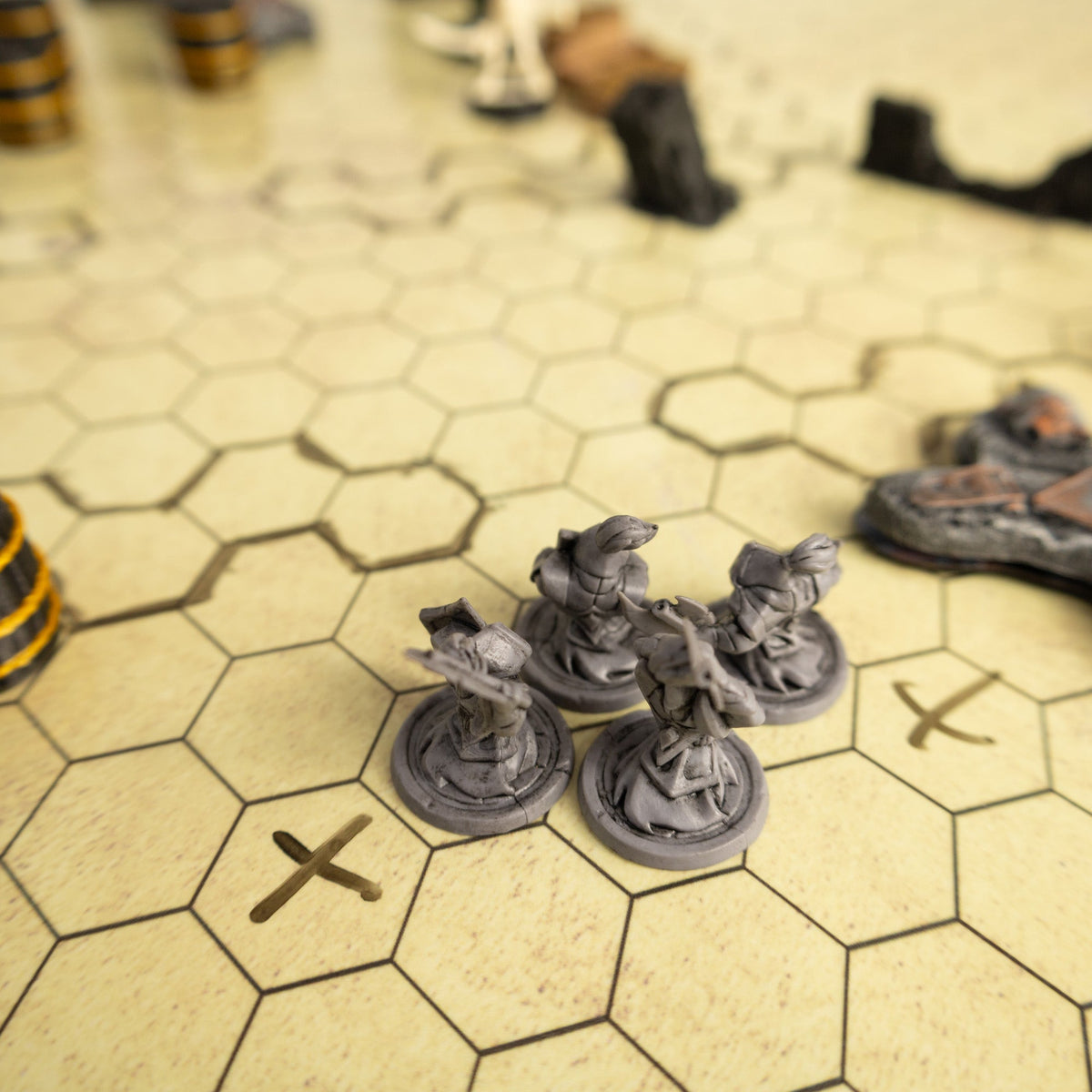
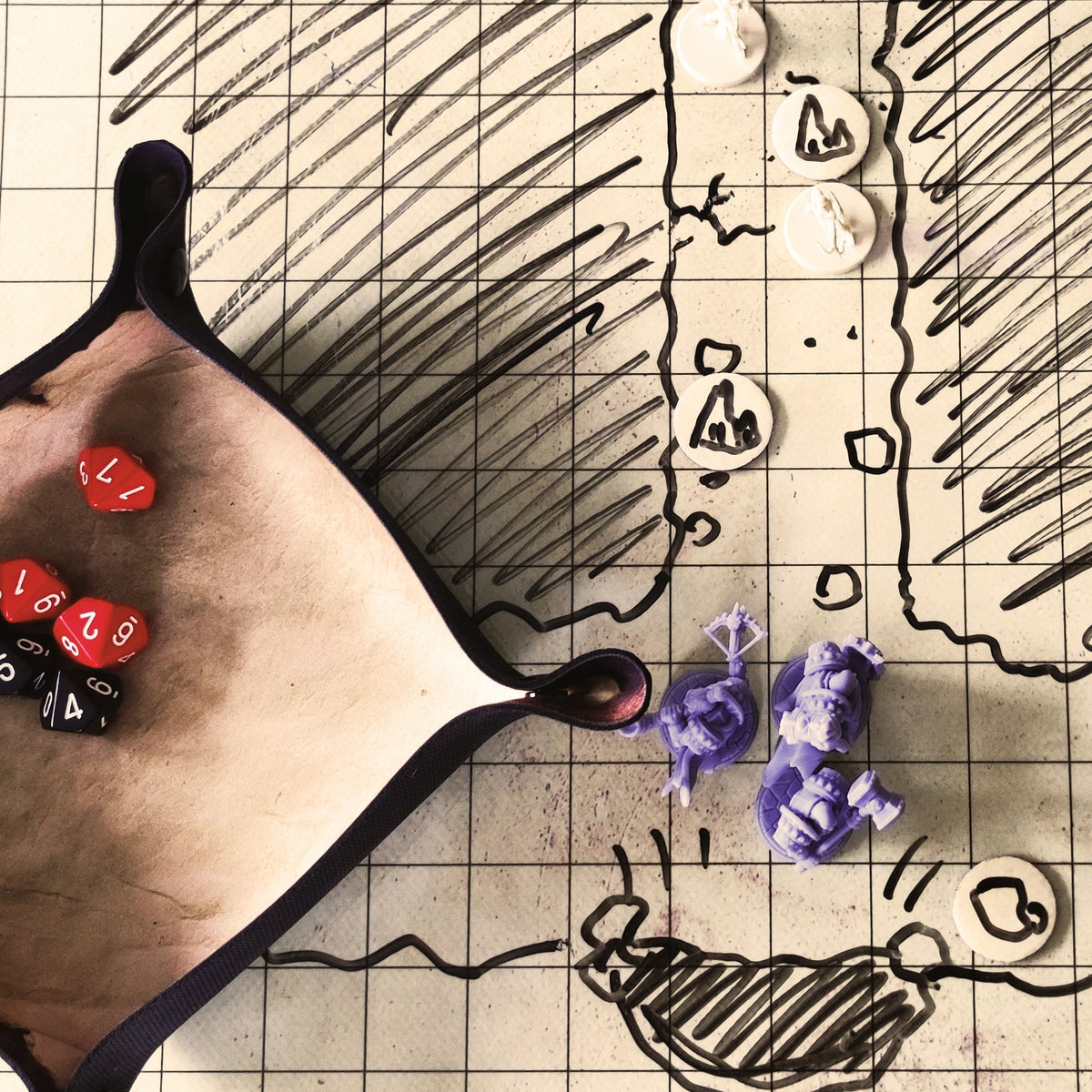
Text and grid are printed together with the artwork; the grid is measured in inches, square cells or hexes flat-to-flat, so it matches standard tabletop rulers.
Ordering. The print-ready file is rendered in your browser while you design. When you click “Add to cart”, your artwork and the print file are uploaded to our order system and the mousepad is added to your cart like any other product. Nothing is uploaded until you click the button.
Potrzebujesz pomocy z zamówieniem?
Jeśli nie możesz znaleźć potrzebnych informacji, skontaktuj się z naszym zespołem. Pomożemy Ci w wyborze produktu, dostawie, zwrotach lub przygotowaniu zamówienia indywidualnego.
Rozwijane zakładki
Pytanie
Odpowiedź
Pytanie
Odpowiedź


