



Custom Dry-Erase RPG Mat
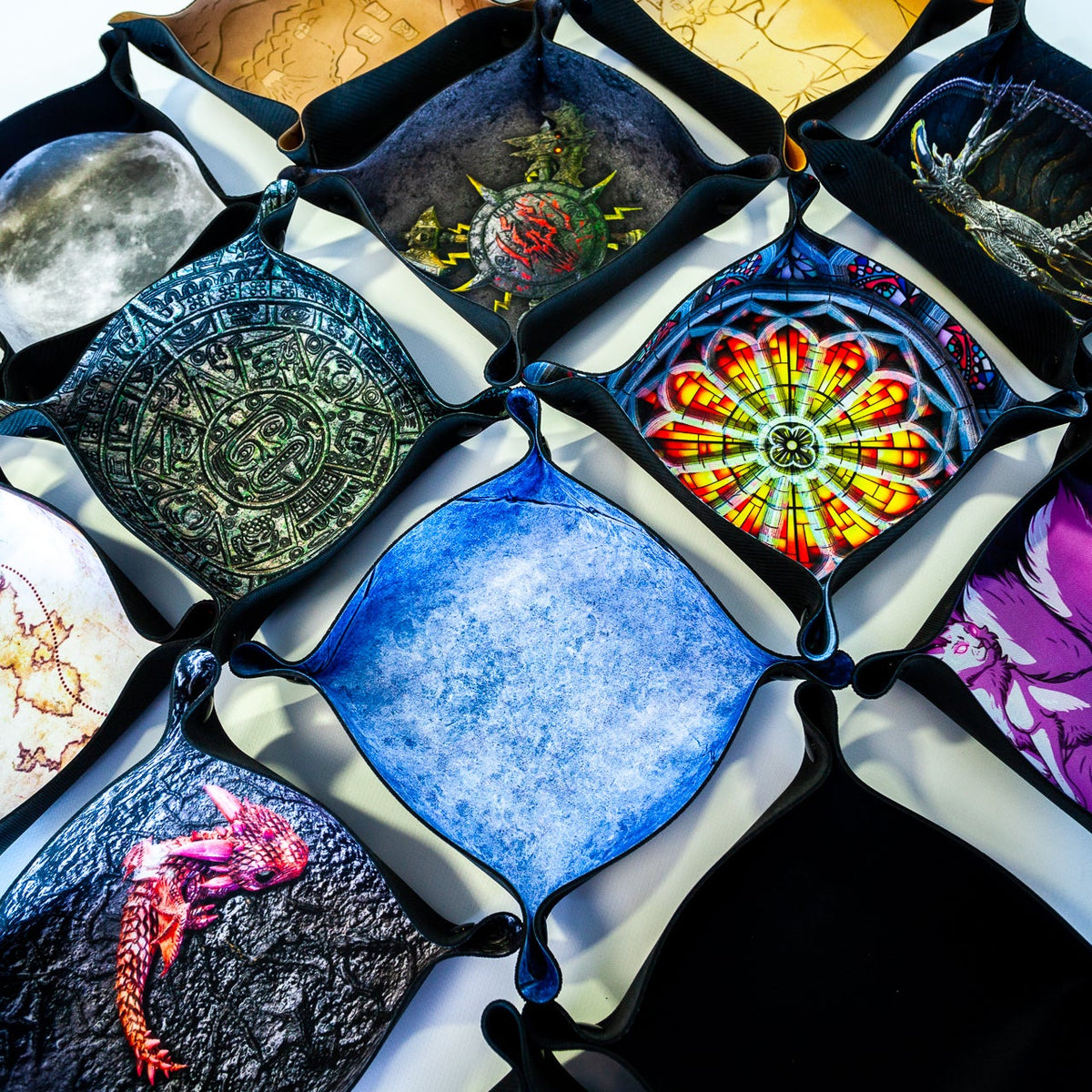
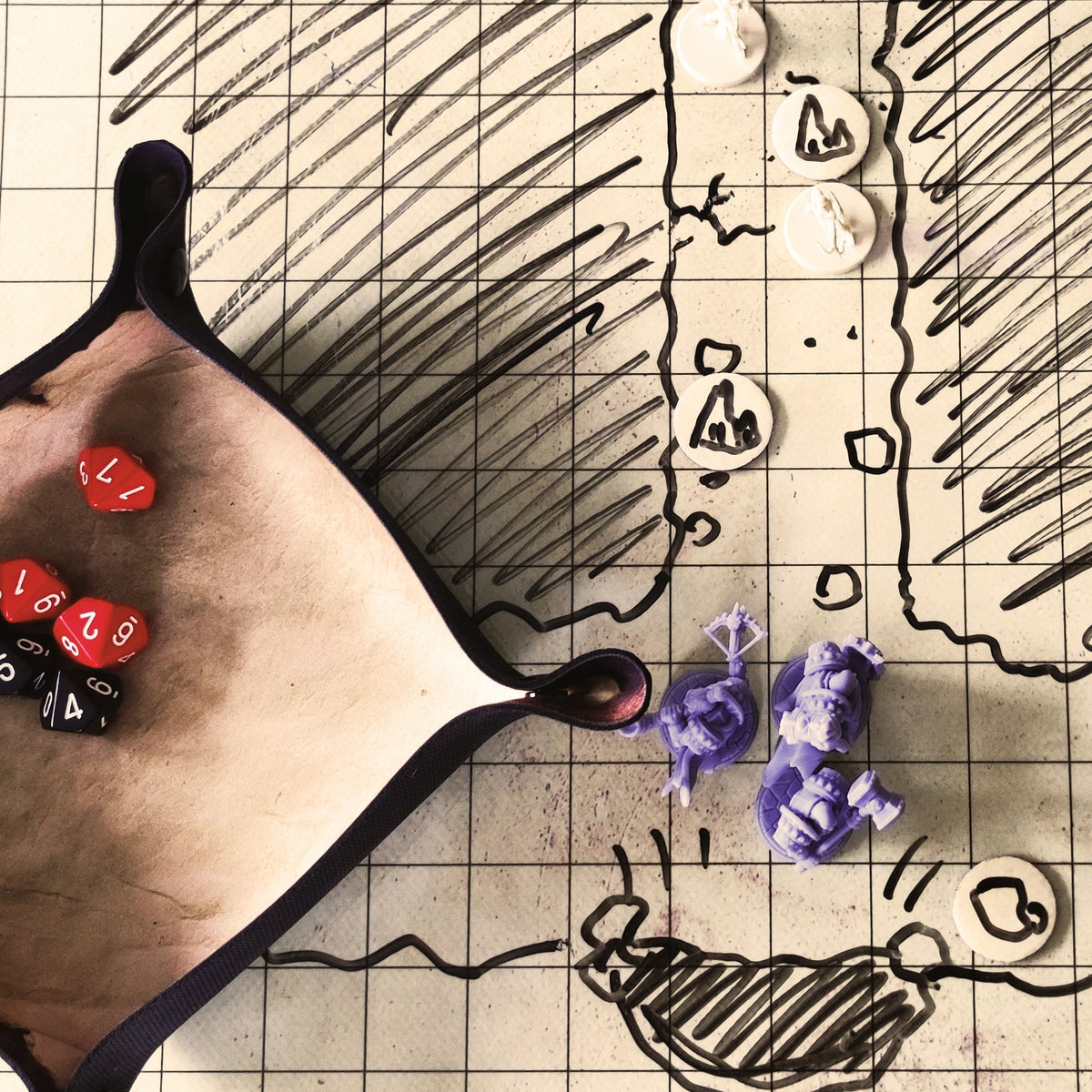
Pick a size, a design from the Playmats library and a grid – squares or hexes in any cell size. Move and rotate the design, then draw on the mat with a dry-erase marker.
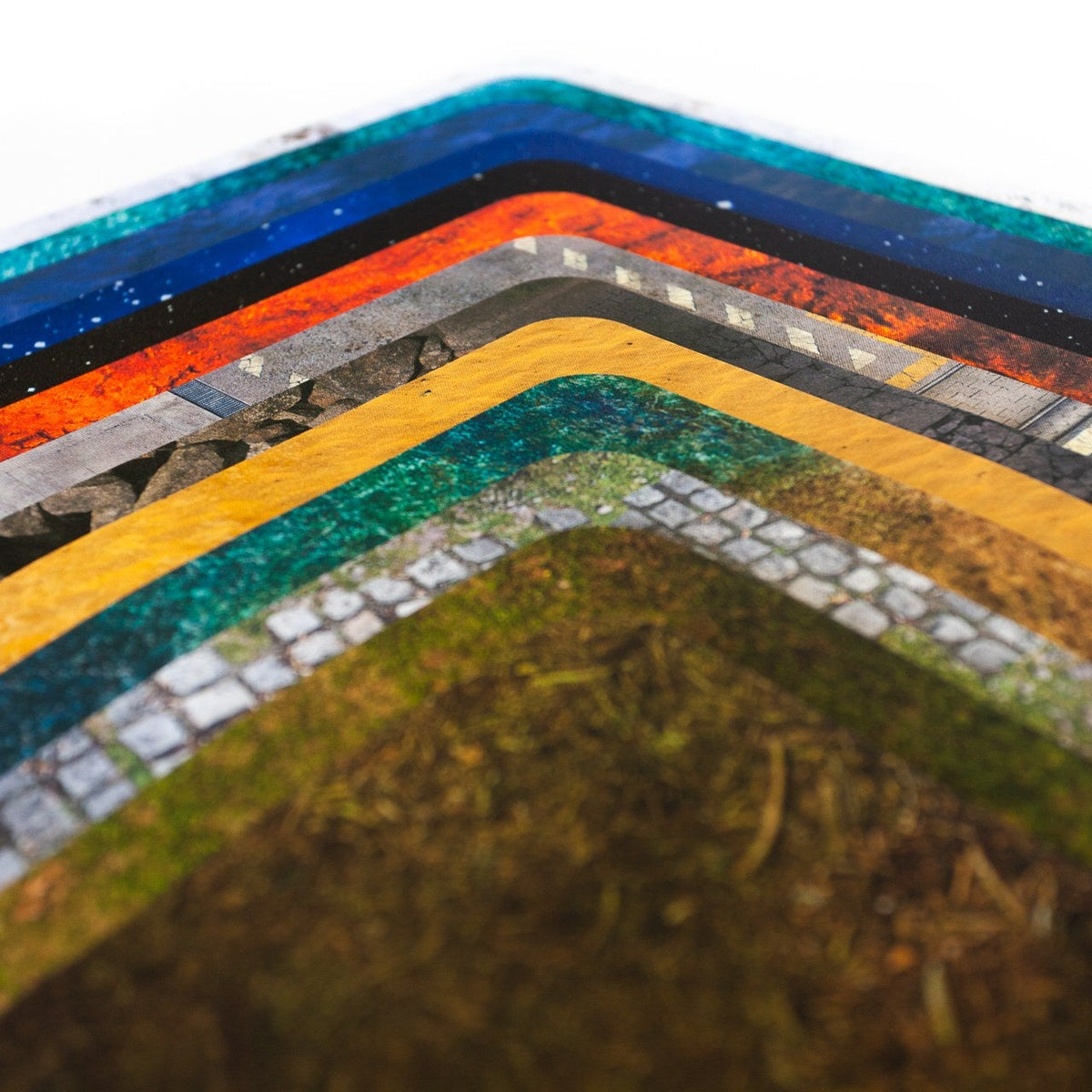
1Size
PVC mat with a dry-erase coating. The print file has a 10 mm bleed on every side – everything outside the red line is trimmed off.
2Design
3Design placement
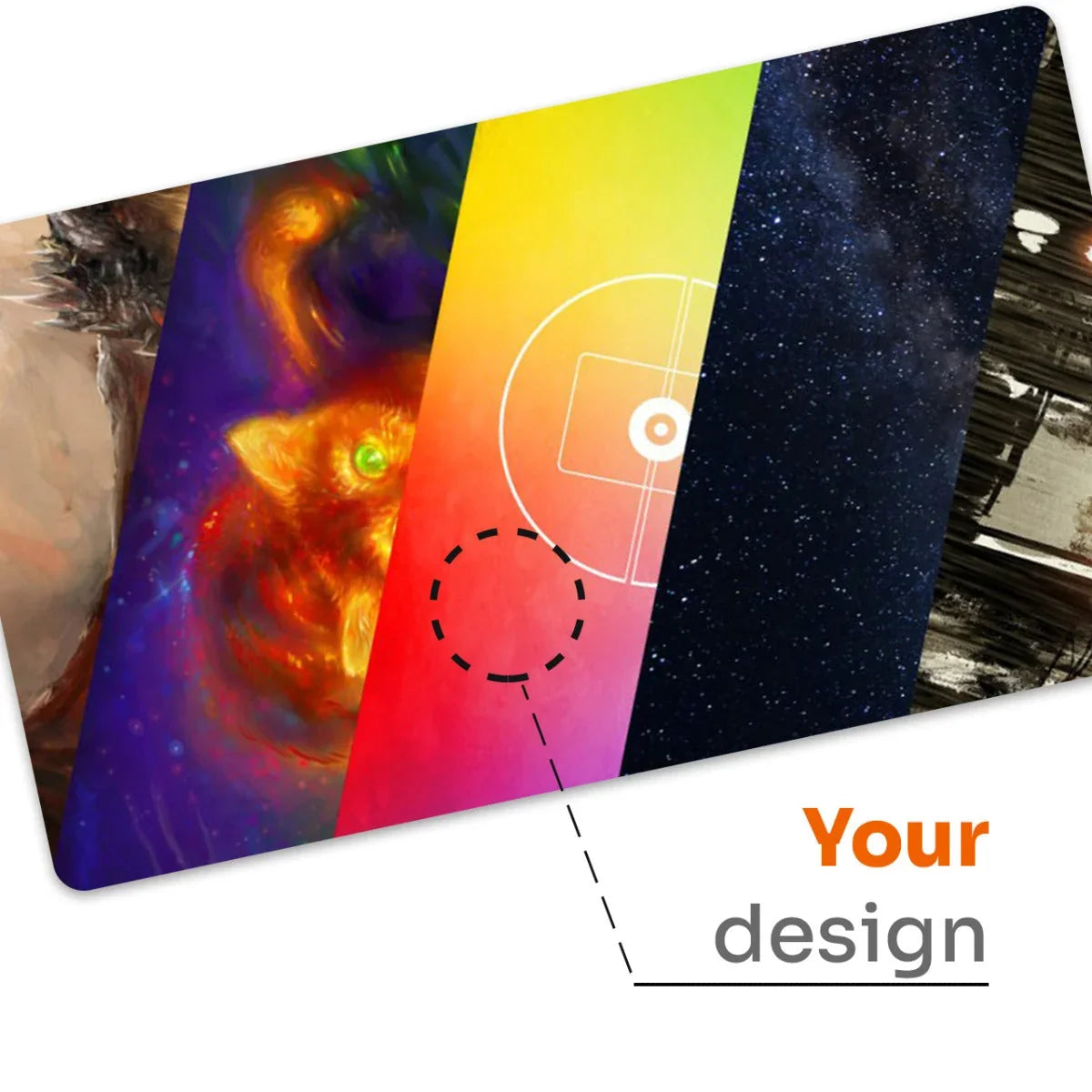
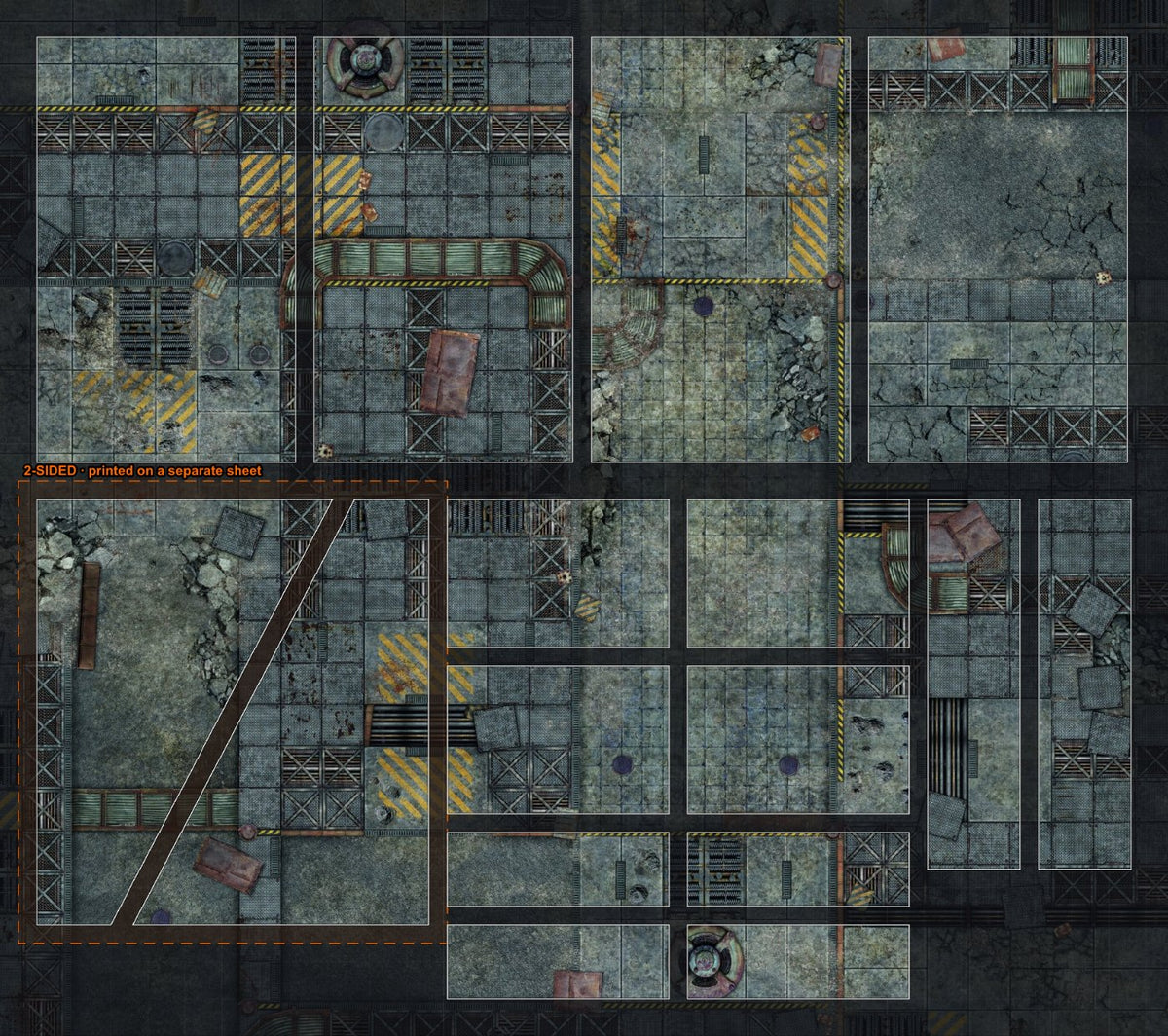
The design is printed 1:1 from the original high-resolution file – you only choose the area and the angle.
4Grid
A dry-erase RPG mat built around your table
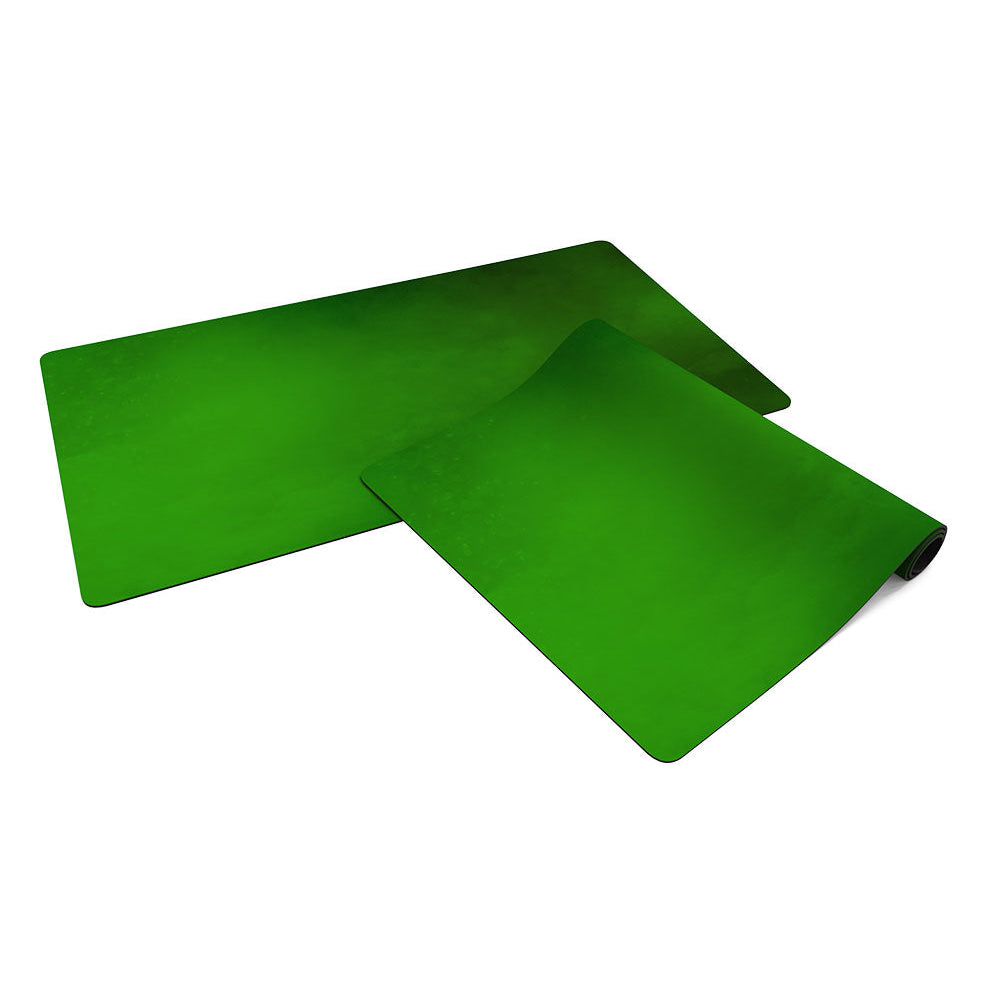
The builder lets you put together a mat for your role-playing sessions: choose one of three sizes, a design from the Playmats library and a grid. The PVC surface has a dry-erase coating, so you draw the map with a whiteboard marker, wipe it off and start again next session.
Square grid
A 1 inch cell is the standard for tactical maps with miniatures. It suits games compatible with a square grid such as Dungeons & Dragons, Pathfinder, Starfinder or Draw Steel. If you prefer metric, pick a 2.5 cm cell – all three sizes then hold a whole number of cells.
Hex grid
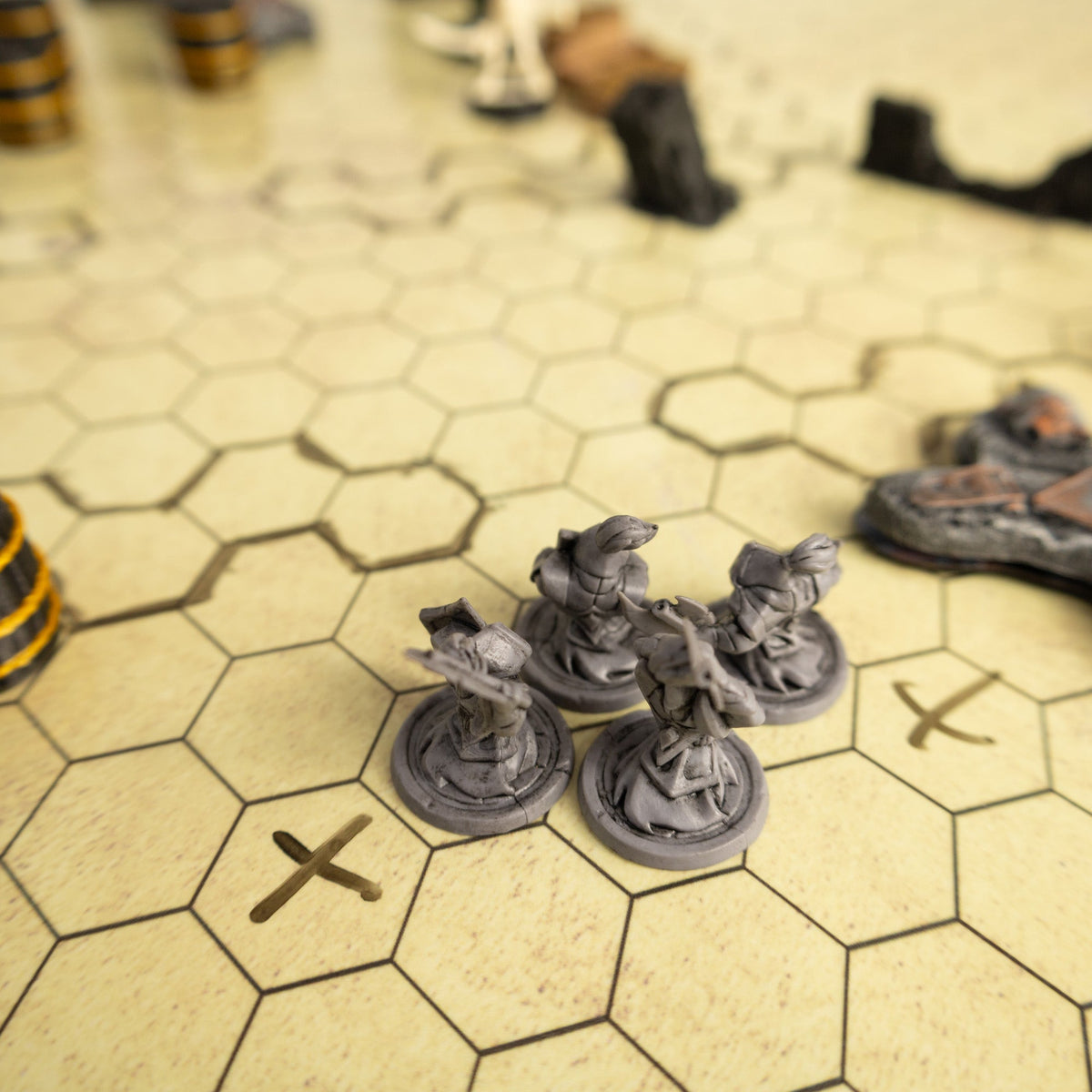
Hexes keep movement even in six directions and are the natural choice for games compatible with hex maps such as GURPS, Lancer or BattleTech. Choose flat-top or pointy-top hexes; larger cells work for travel maps and hexcrawls.
Squares and hexes together
Both grids on one mat: lighter squares help you draw rooms while hexes guide movement. You can also order the mat with no grid at all.
A design you can rotate
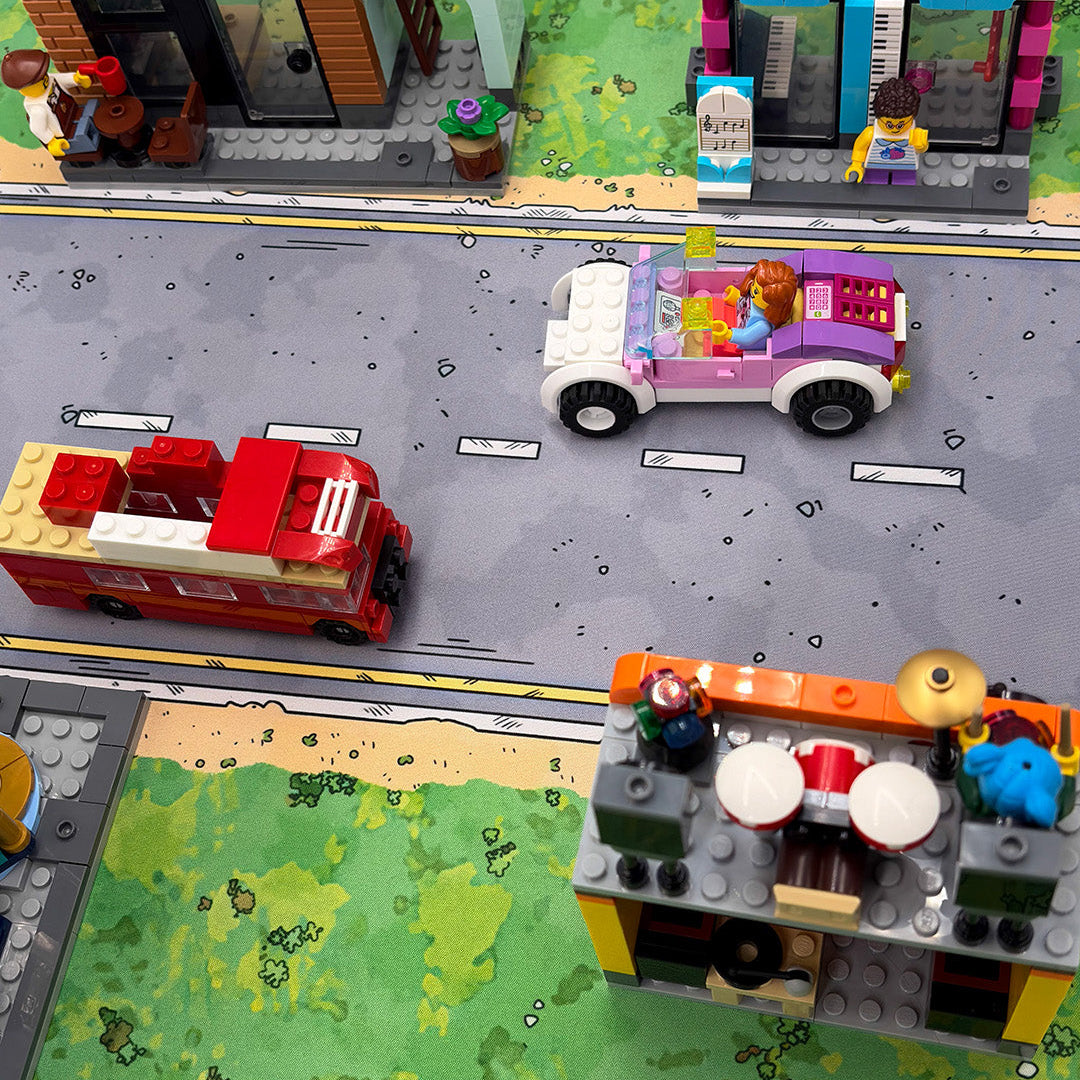
Move and rotate the design under the mat so the road, river or ruins sit exactly where you need them. We print from the original file at 1:1 scale.
Questions and answers
What do I write with?
Dry-erase whiteboard markers. Wipe the drawing off after the session – the longer the ink stays on the surface, the harder it is to remove.
What is the red line in the preview?
It is the cut line. The print file is 10 mm larger on every side and the strip outside the red line is trimmed off. Keep anything important inside the green safe zone.
How does grid opacity work?
Use the slider from 10 to 100%. A lower value gives a subtle grid that stays behind your drawing; a higher one gives clear cells you can read from across the table.
Grids are Playmats’ own designs. Game names are trademarks of their respective owners and are used only to indicate compatibility; this is not an official product of any of the games mentioned.


