

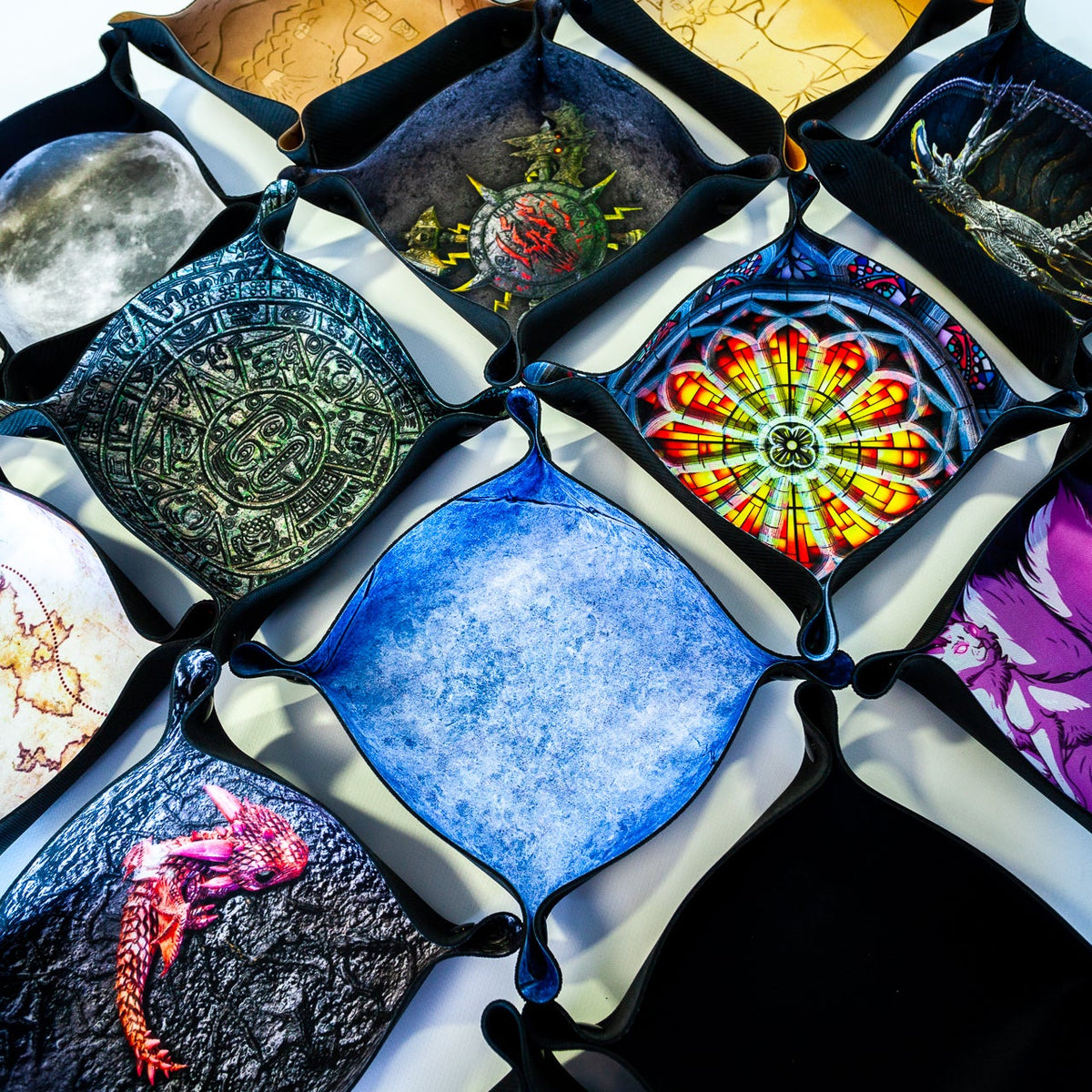
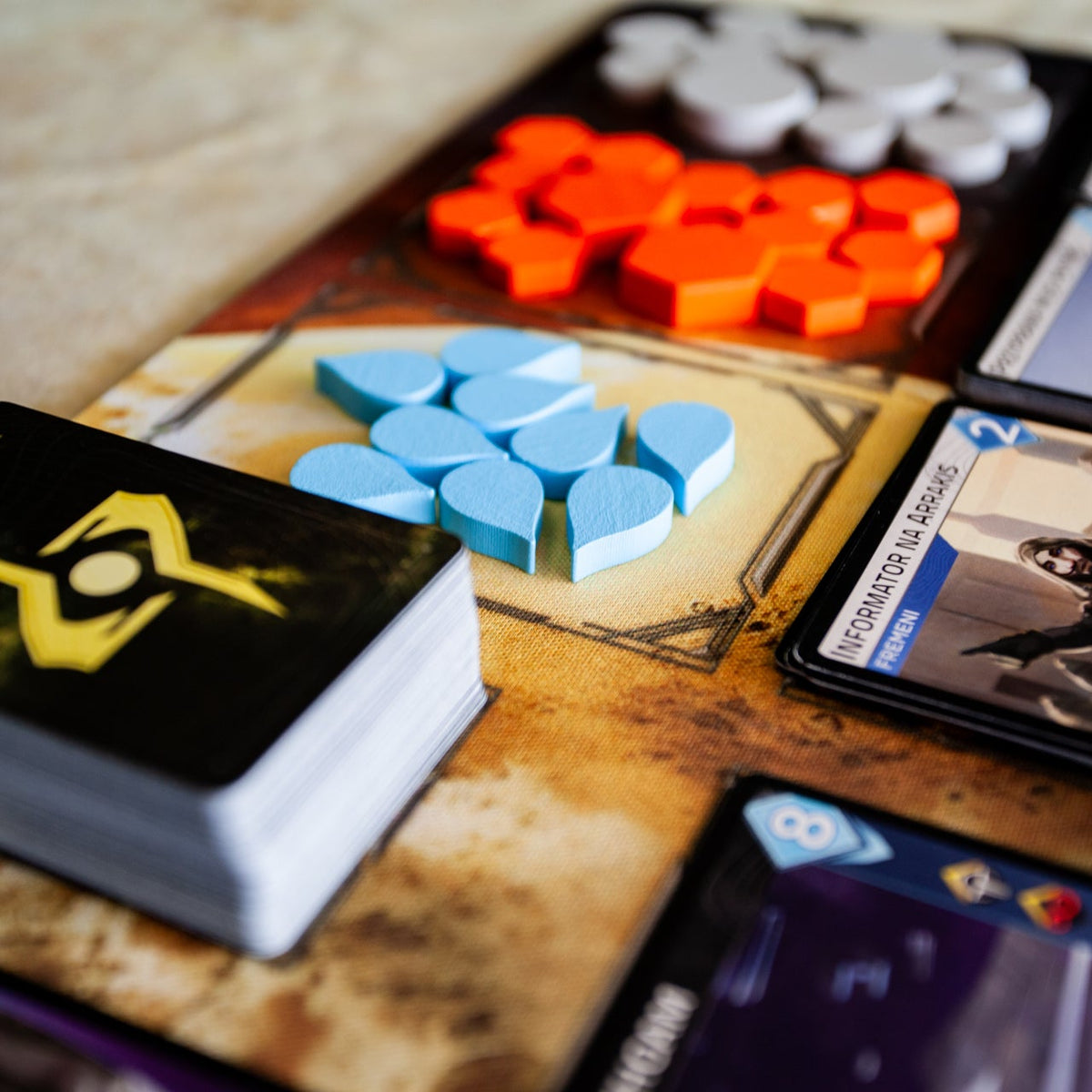
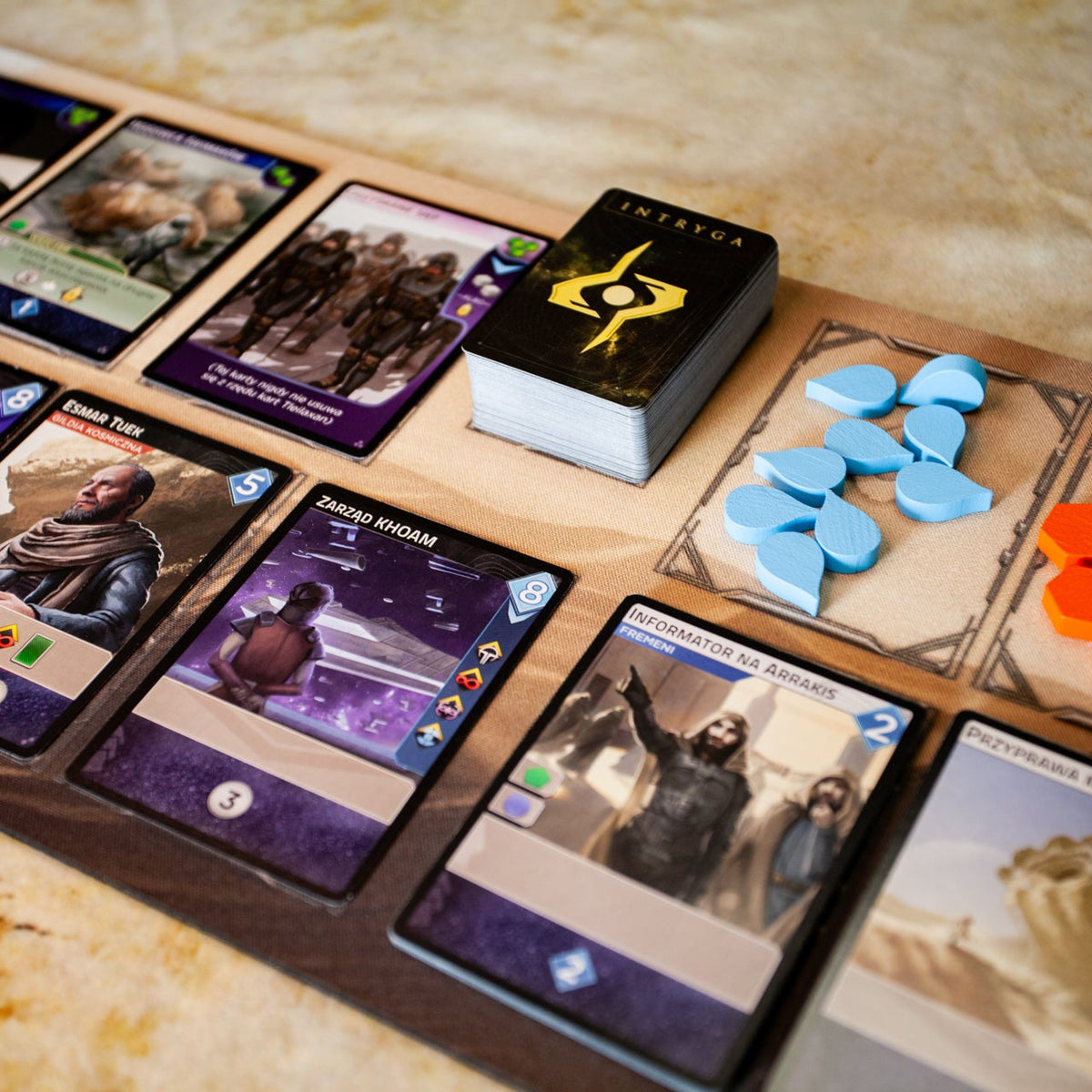
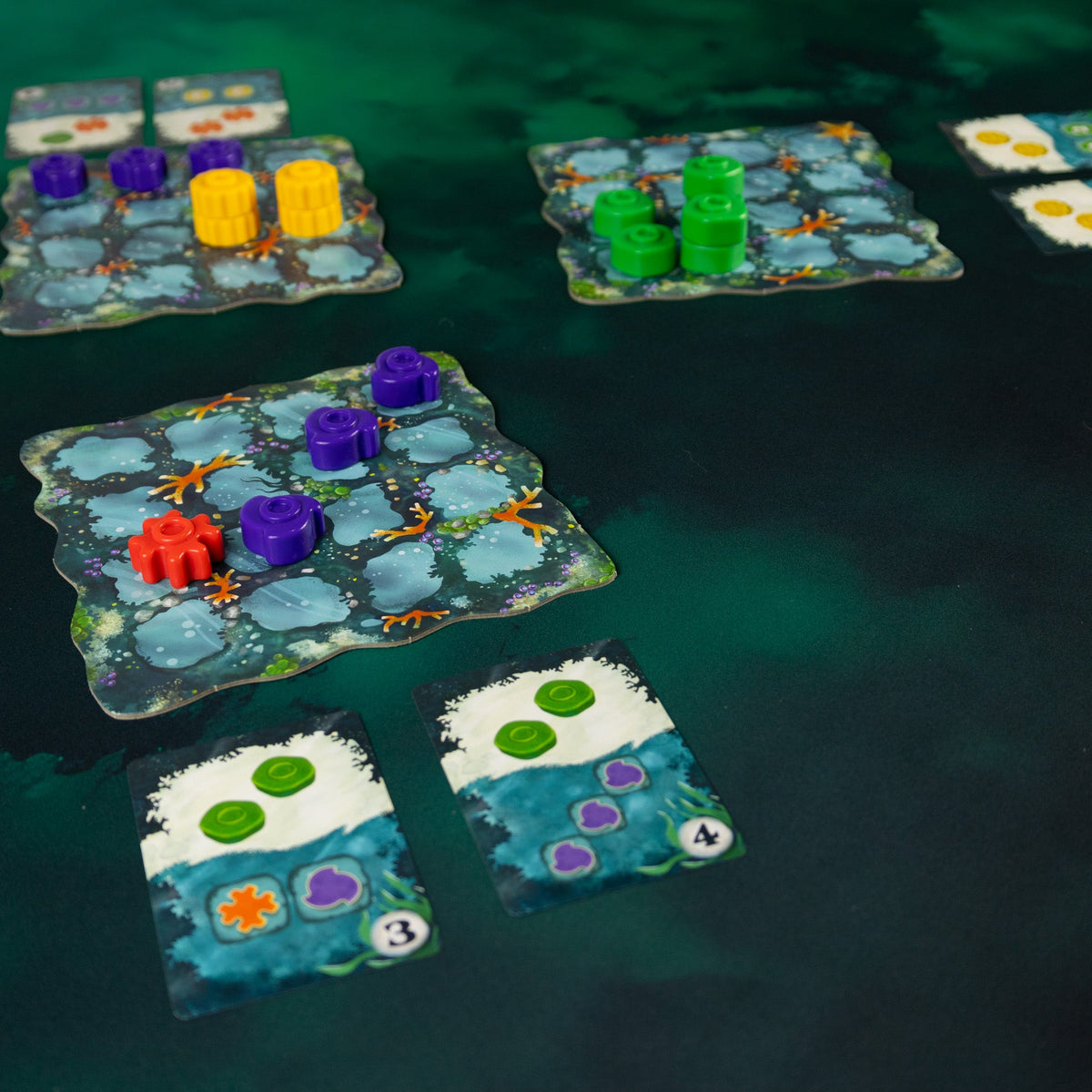
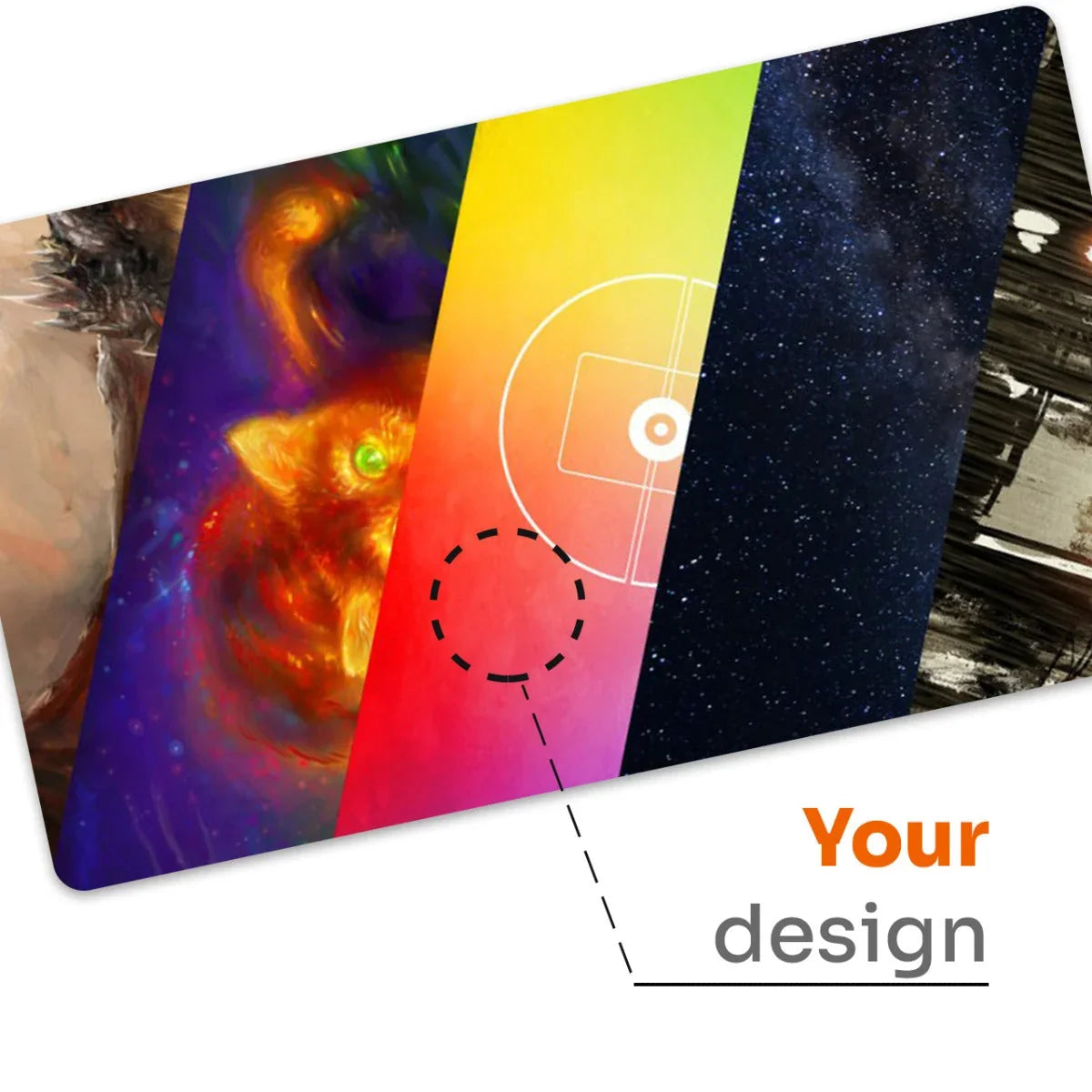

Your card game playmat. Your artwork, your zones.
Lay your design on the table: upload artwork or generate it with AI, pick a zone layout for your game and order a 61 × 35.5 cm mat.
- cut line, finished mat 61 × 35.5 cm
- 10 mm bleed on every side, trimmed off
- safe area, 5 mm inside the cut line
- Mat size
- 61 × 35.5 cm (24 × 14 in)
- Print file
- 63 × 37.5 cm with bleed, 150 dpi
- Game zones
- —
- Material
- Natural rubber 2 mm, polyester surface
Bleed and trimming The print file is 63 × 37.5 cm: the finished 61 × 35.5 cm mat plus 10 mm bleed on every side. The bleed is trimmed off, so the artwork fills the whole sheet and important elements (faces, lettering) should stay inside the green line. Switch the preview to “After trimming” to see the finished mat.
Game zones The zone layouts are Playmats designs compatible with the listed card games; they are not licensed by or affiliated with the publishers of those games. You set the colour and opacity, and the zones are printed together with the artwork.
Material Natural rubber base, 2 mm thick, smooth polyester print surface, laser-cut edges and rounded corners. Cards do not slide around on the table.
AI artwork After logging in you can generate artwork with AI in the proportions of the mat: 10 free generations a day, more with a pack of 50. The high-resolution print file is prepared when you add the mat to the cart.
Your artwork, your rights By uploading a file you confirm that you have the right to use the artwork. We only check whether the file is suitable for printing.
Ordering When you click “Add to cart”, your artwork and the print file are uploaded to our order system and the mat is added to your cart like any other product. Nothing is uploaded until you click the button.
A custom TCG playmat built around the game you play
A personalised 61 × 35.5 cm (24 × 14 in) card game mat gives your deck, discard pile and everything else on the table a fixed place. In the playmat maker you combine your own artwork with a zone layout compatible with your trading card game, or order the mat with artwork only.
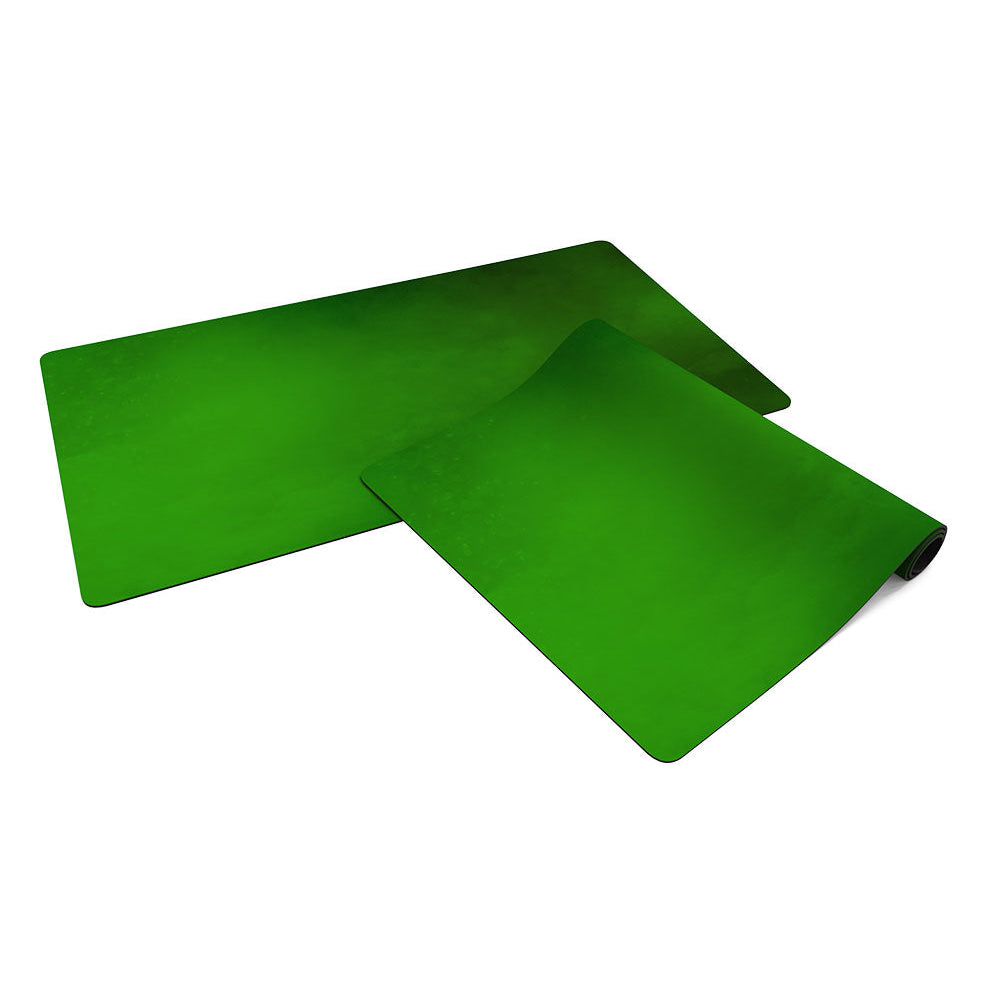
The mat has a 2 mm rubber base and a smooth polyester surface printed edge to edge. Cards do not slide around on the table and are easy to pick up, and the edges are laser-cut with rounded corners.
Zone layouts compatible with popular card games
Magic: The Gathering – Commander
A multiplayer format played with 100-card singleton decks led by a legendary commander. The layout marks the battlefield, a row for lands, the command zone, library, graveyard, exile and a spot for your life counter.
Magic: The Gathering – Standard
Three horizontal bands: the attack area (“Red Zone”), a row for creatures and a row for lands. A clean table for one-on-one games.
Pokémon TCG
A spot for your Active Pokémon with Special Condition markers (Asleep, Paralyzed, Confused), the Bench, Prize cards, deck and discard pile.
Disney Lorcana
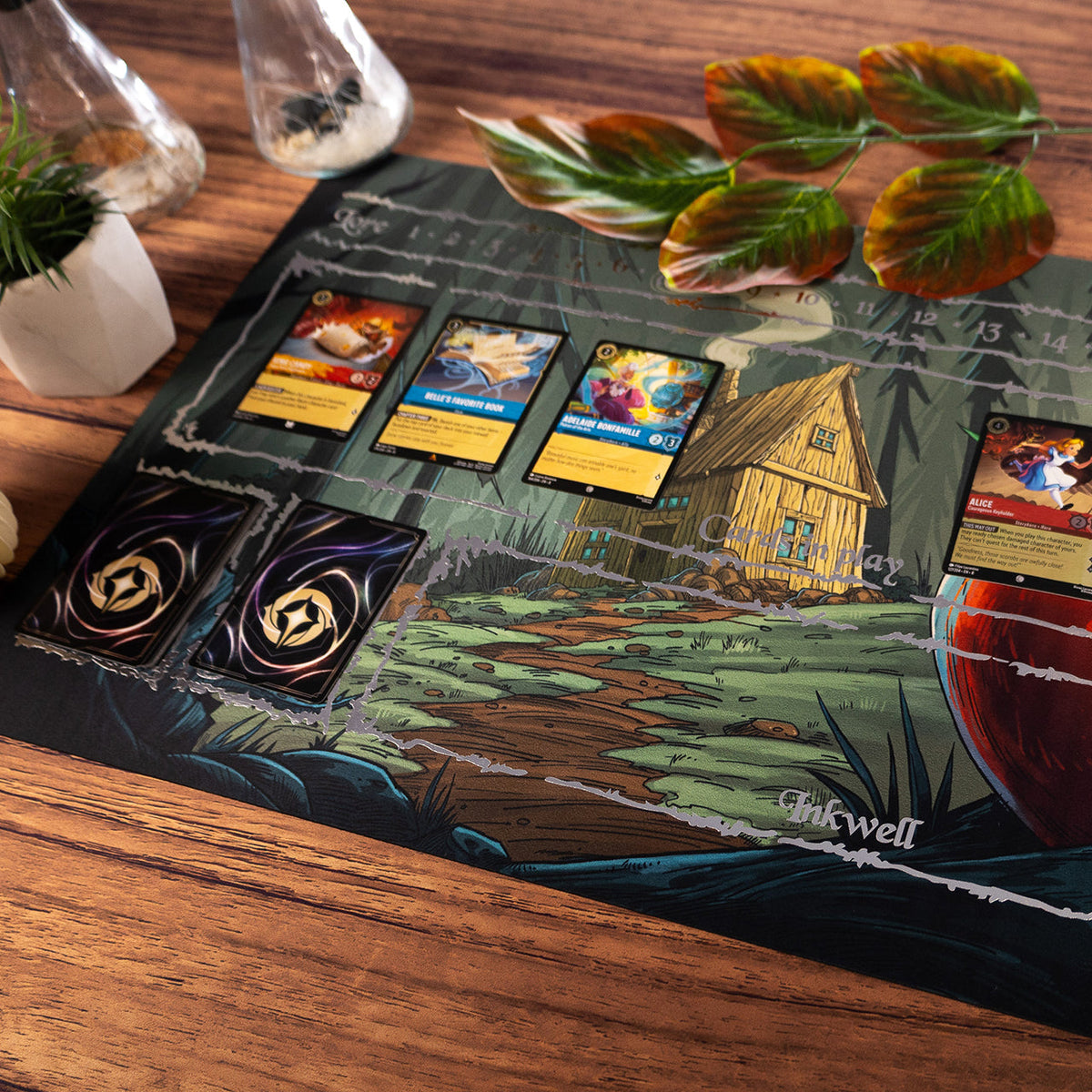
A lore track from 1 to 20 along the top edge, the area for cards in play, the inkwell, and places for your deck and discard.
One Piece Card Game
Leader, Character area and Stage, the DON!! deck and Cost area, plus Life cards, deck and trash.
Digimon Card Game
A memory gauge running from 10 to 10 with zero in the middle, the security stack, the raising area for Digi-Eggs, deck and trash.
Flesh and Blood
Your hero in the centre with weapons on either side, four equipment slots (head, chest, arms, legs), arsenal, pitch zone, deck, graveyard, banished zone and the combat chain along the top.
Riftbound
A numbered score track from 1 to 8 down the left edge and framed card zones arranged in three rows.
Weiß Schwarz
The stage with three front slots and two back slots, climax zone, level, clock, stock, memory, deck and waiting room.
The zone layouts are Playmats designs compatible with the games listed. They are not licensed products and contain no publisher artwork.
How far the personalisation goes
Artwork only
Upload your own file and set the crop. A mat without zones works for any card game.
Artwork and zones
Add the zone layout for your game. The zones are printed together with the artwork.
Zone colour and opacity
Keep the original colour or switch to white, black or your own, and set the opacity so the zones do not cover the illustration.
Lettering
Add a nickname, team or store name: pick the typeface, colour, letter height and position.
AI-generated artwork
Describe a scene in your own words and the generator creates an illustration in the proportions of the mat. You crop it like your own file.
Frequently asked questions
What file should I prepare?
Ideally 3720 × 2215 px or larger (PNG, JPG, WEBP or SVG). That is 150 dpi for the 63 × 37.5 cm sheet: the mat plus 10 mm bleed on every side. The playmat maker shows the print resolution once the file is loaded.
What is bleed and what gets trimmed?
Bleed is 10 mm of extra artwork beyond the cut line. It is hatched in the preview, and the red line shows the edge of the finished mat. Keep lettering and important details inside the green line.
Can I order a mat without zones?
Yes. Choose “No zones, artwork only” and the mat carries just your illustration and optional lettering.
Can I use any artwork?
You can use artwork you have the rights to: your own illustration, a photo or a piece commissioned from an artist. We only check whether the file is suitable for printing.
How do I look after the mat?
Wipe the surface with a damp cloth. Store the mat rolled with the print facing outwards.


